


How to Complete Xterio and Age of Dino Tasks for Bybit Web3 Airdrop Arcade

In this tutorial, we’ll explore how you can complete Xterio and Age of Dino tasks for Bybit Web3 Airdrop Arcade.

Task 1: Register for an Xterio Account
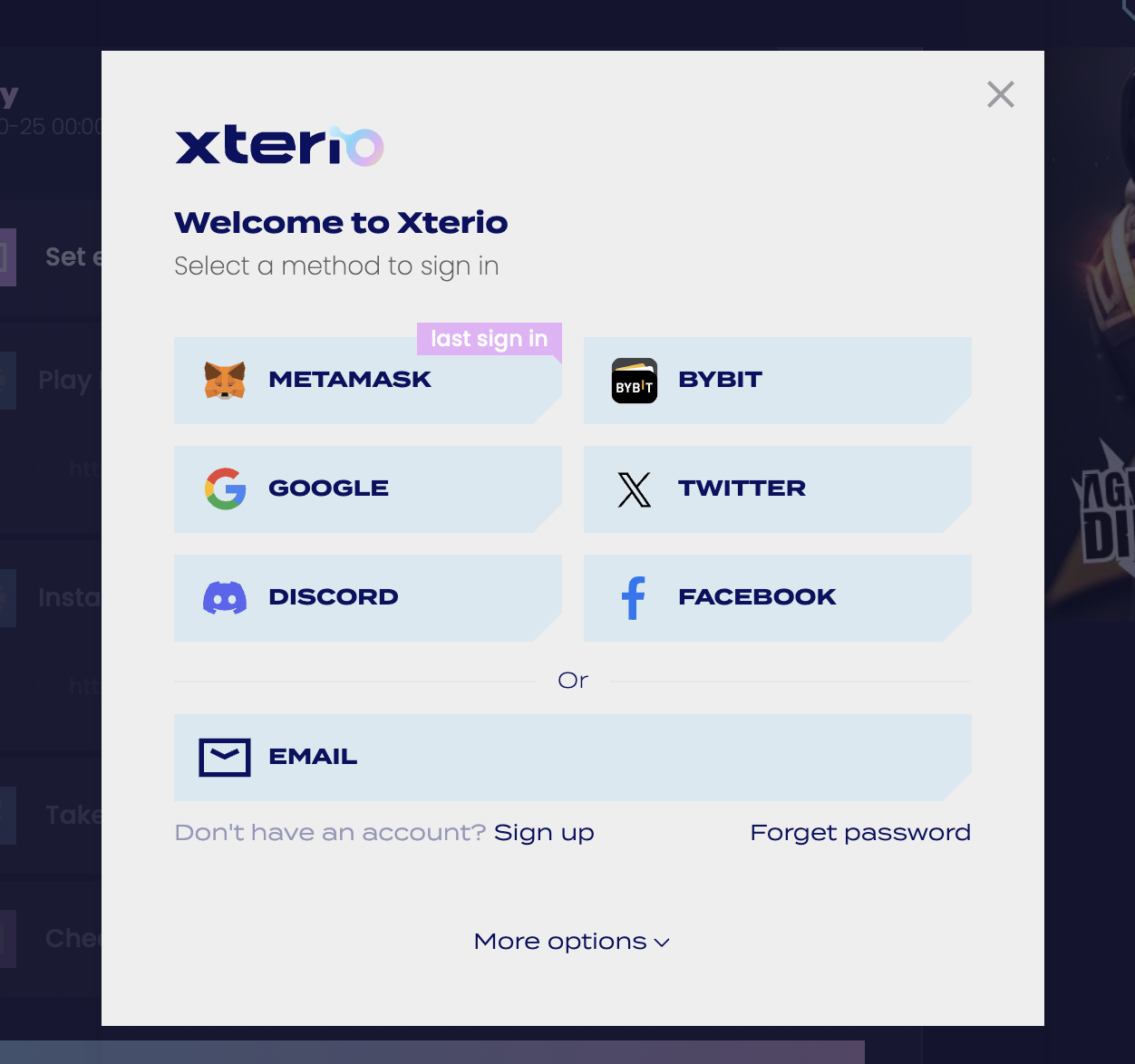
Step 1: Navigate to the Xterio and Age of Dino campaign page and click on Verify to begin registration.
Step 2:
If you do not have an Xterio account, sign up with your email address.
If you already have an Xterio account, ensure that you’ve bound an email address to your account.
Task 2: Install Age of Dino
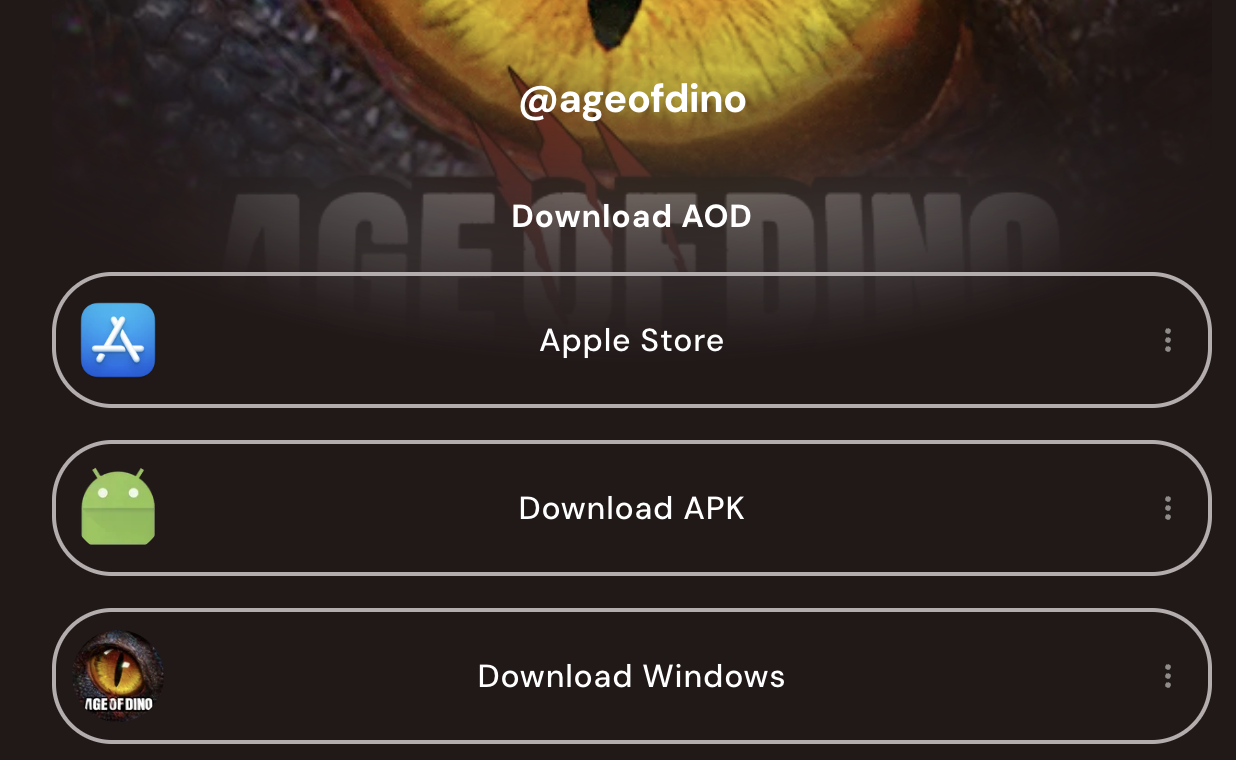
Step 1: Download the Age of Dino game. Once it’s installed, open the game and log in with your Xterio account.
Step 2: Locate your UID (User ID) in the game. Fill out the UID in the designated text box on the campaign landing page.
Task 3: Check In With Your Bybit Wallet
Step 1: On the campaign landing page, connect your Bybit Wallet for the Check-In task.
Step 2: Sign the transaction to complete the check-in process.
#LearnWithBybit