


How to Complete Network3 Tasks for Bybit Web3 Airdrop Arcade

In this tutorial, we’ll explore how you can complete a series of tasks in Network3 for Bybit Web3 Airdrop Arcade.
Task 1: Register for a Network3 Account and Connect Your Bybit Wallet
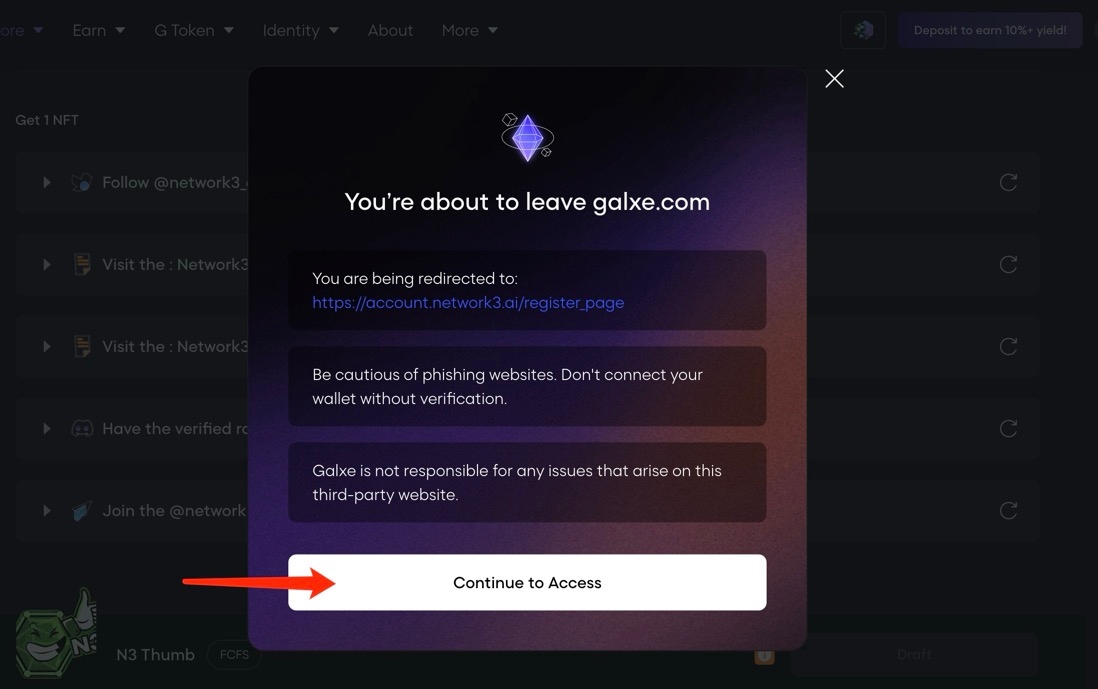
Step 1: Navigate to the campaign page and click on the Register for a Network3 Account task. Click on the task, and Galxe will ask to redirect you to the Network3 register page.
Step 2: Click on Continue to Access to be redirected to the Network3 Register page.
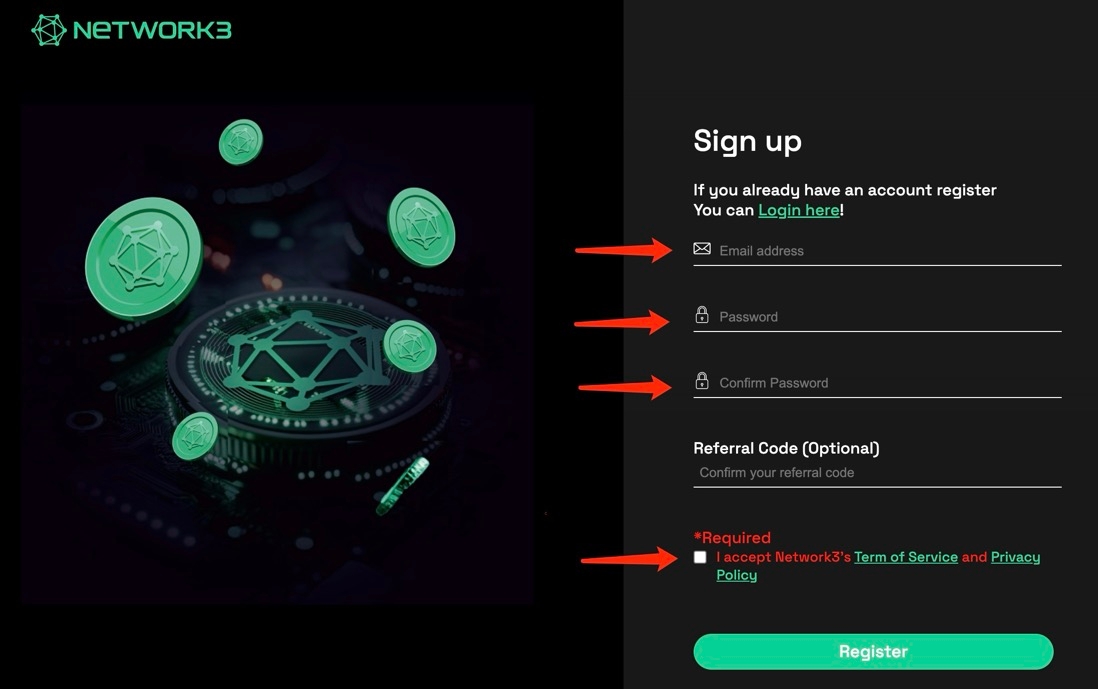
Step 3: Register for a Network3 account using your email address. You may indicate a ReferralCode if you have one.
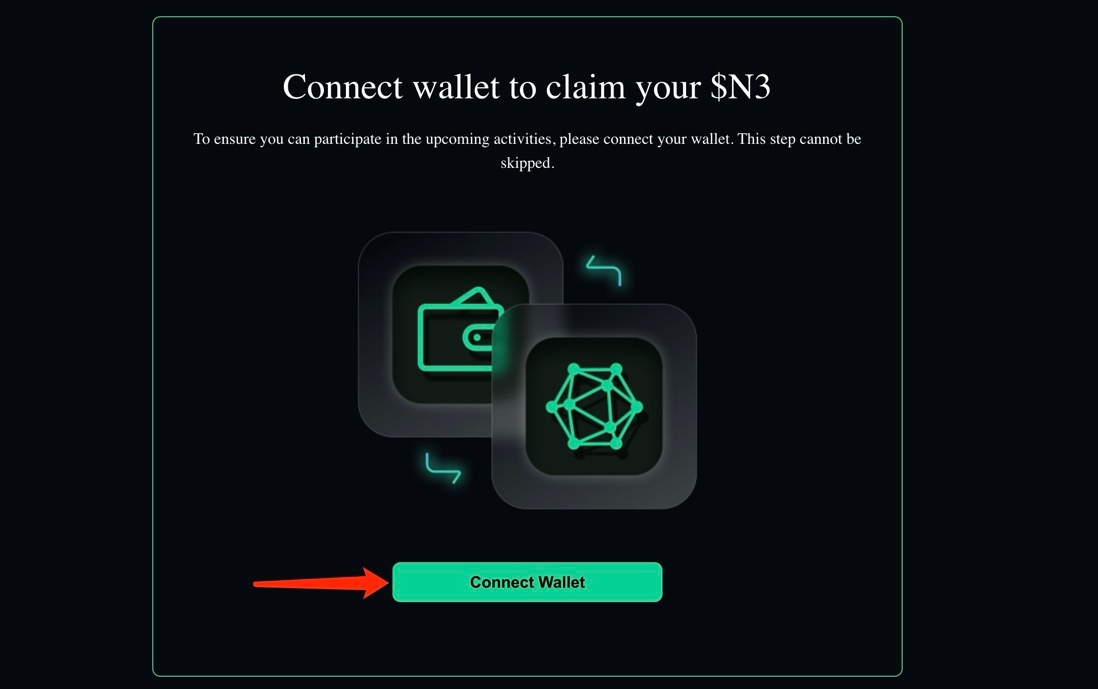
Step 4: Once you’re signed in, click on Connect Wallet.
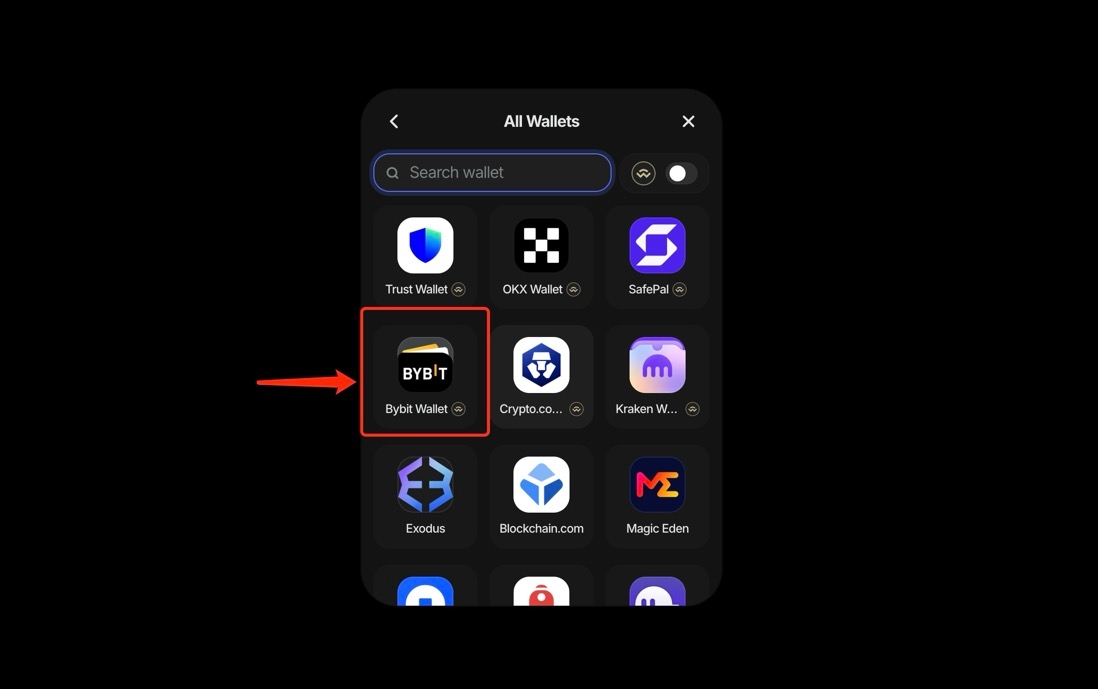
Step 5: Choose Bybit Wallet to connect your wallet.
Task 2: Download the Network3 App and Run a Node for One Hour
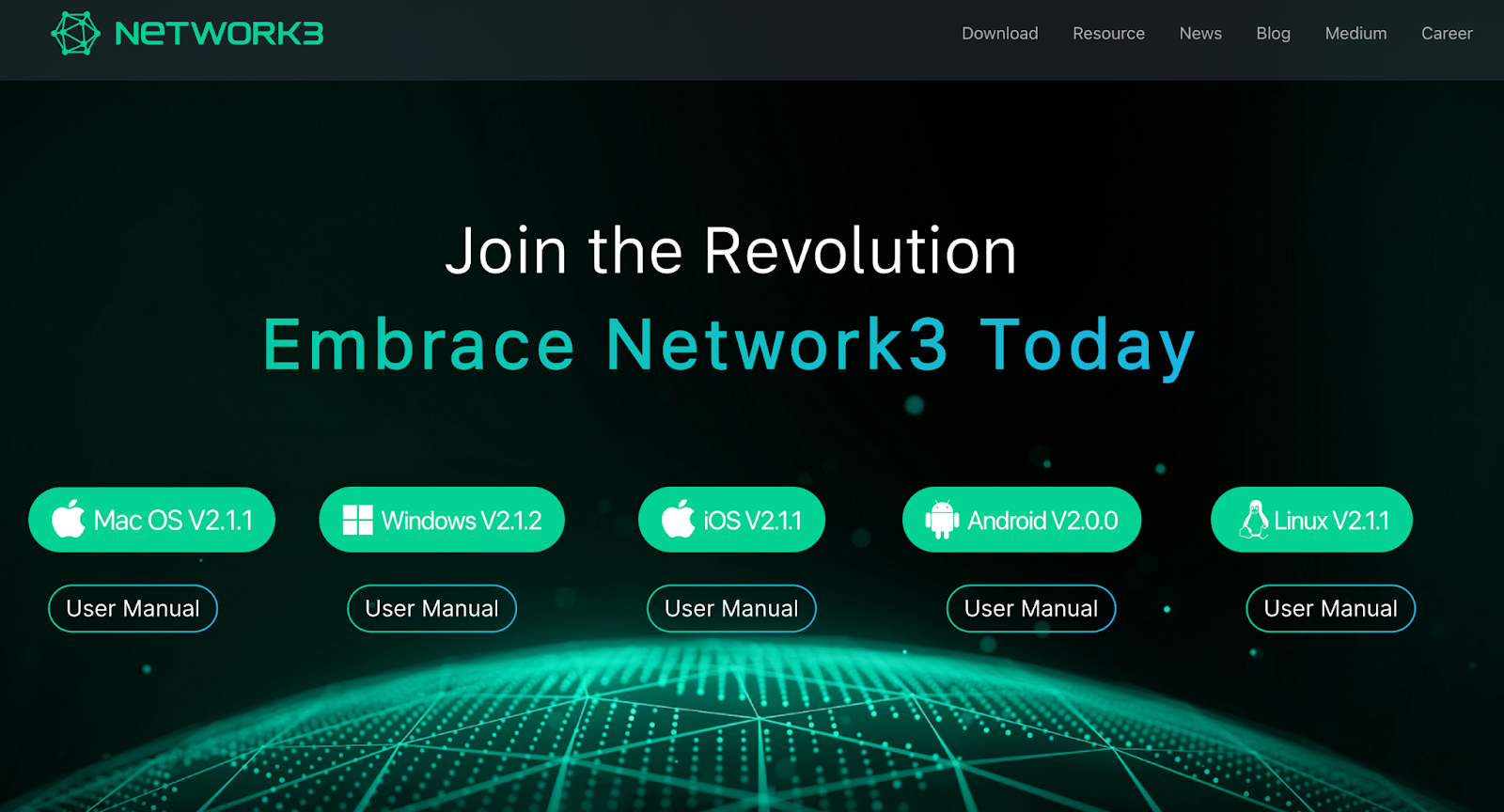
Step 1: Navigate to the Network3 homepage and choose your operating system to download the Network3 app.
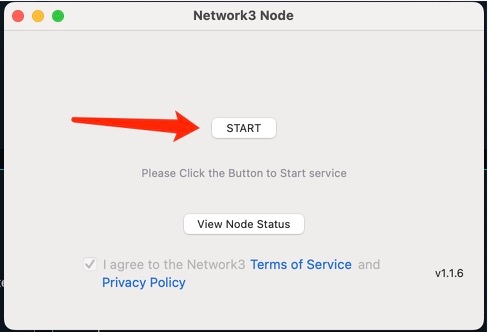
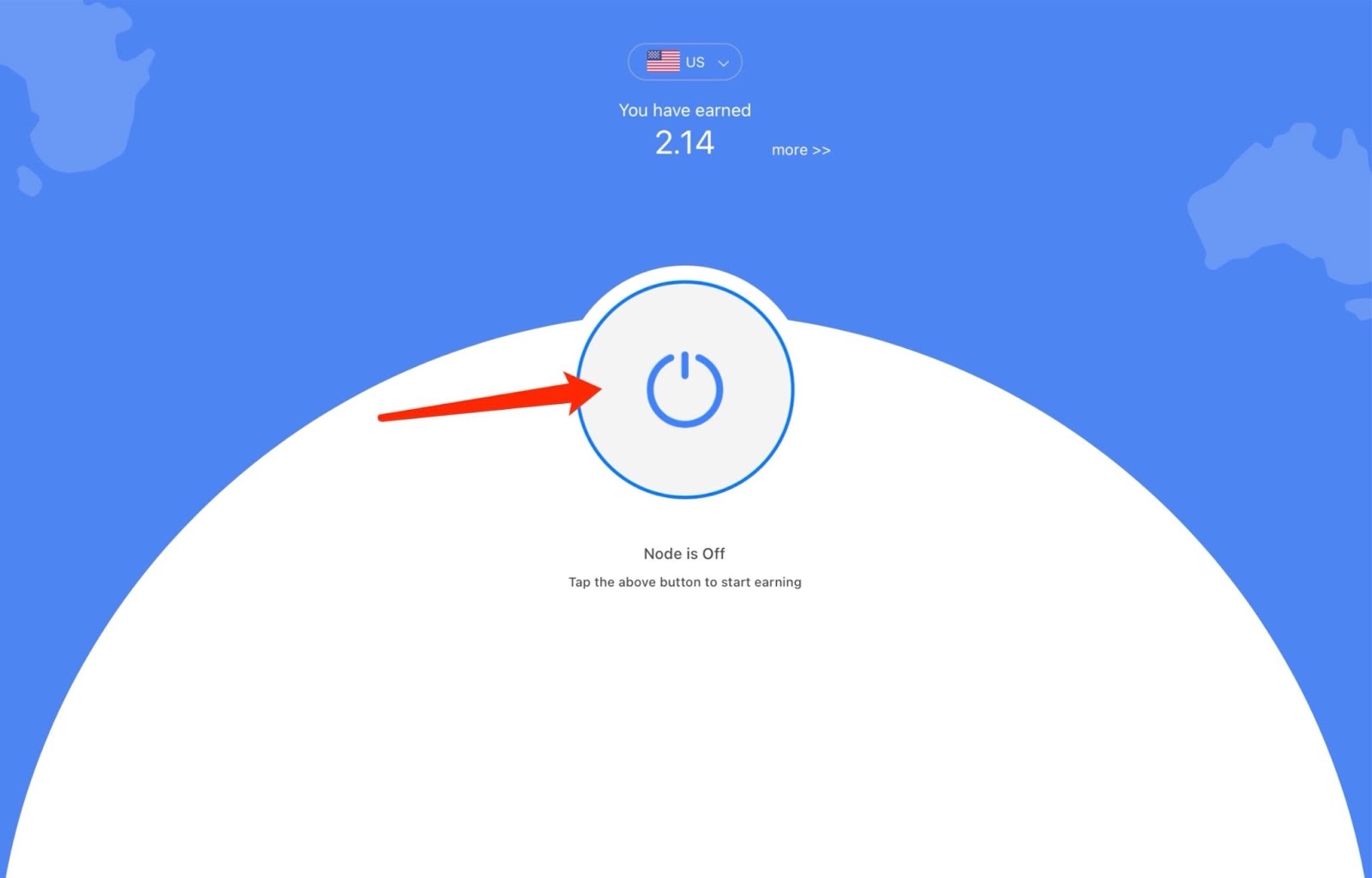
Step 2: Click on the Start or powerbutton, depending upon which operating system you’re using. For ease of reference, we’ve used macOS and iOS as examples below.
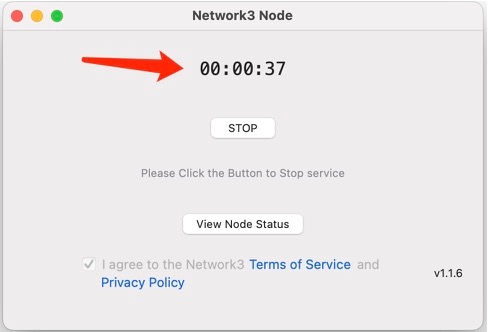
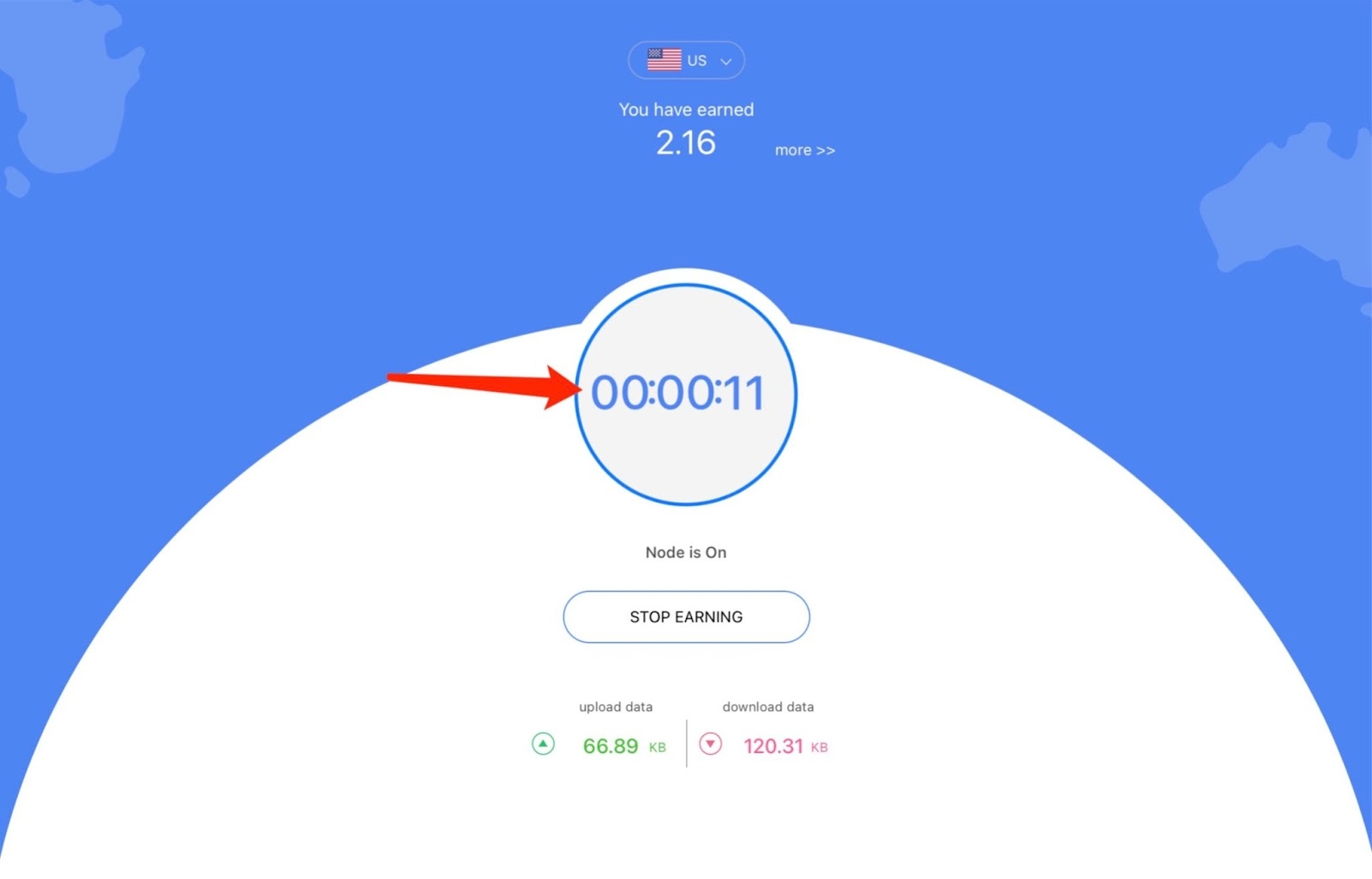
Step 3: Keep running the node until the timer reaches 01:00:00.
#LearnWithBybit